
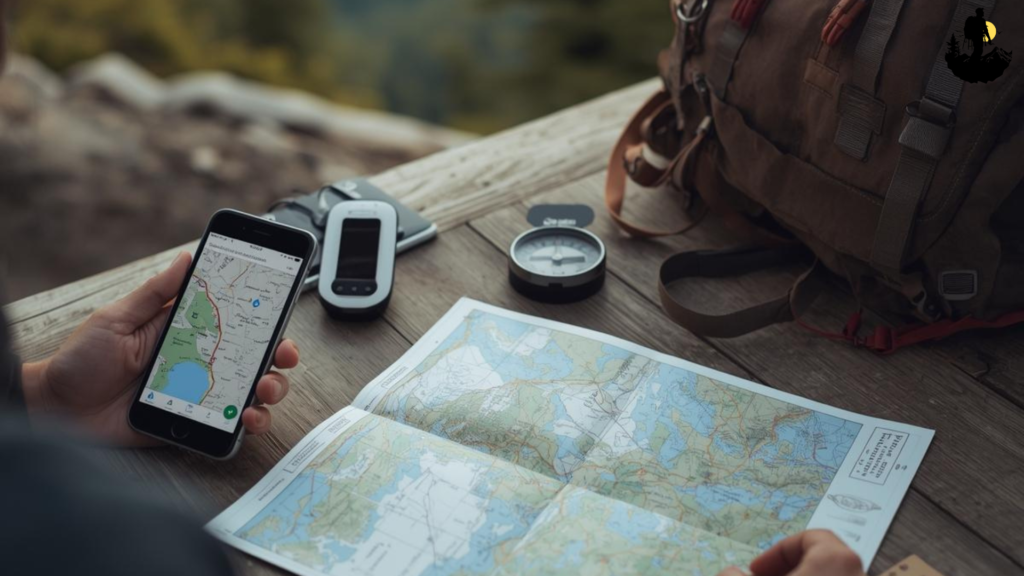
Traveling across the United States can take you from dense cities to remote deserts, forest backroads, mountain passes, and coastal stretches where cell service can disappear without warning. That is why offline navigation USA travel has become a core skill for modern road-trippers, hikers, overlanders, cyclists, RV travelers, and anyone who ventures outside urban areas.
Offline navigation prevents wrong turns, helps you avoid hazards, and keeps you oriented even when your phone drops signal. This guide breaks down exactly how to plan a trip using downloaded maps, GPS tools, and old-school navigation strategies so you can travel smoothly without relying on constant connectivity.
Why Offline Navigation Matters More Than Ever?
Cell signal is nowhere near as widespread as people think. Rural highways, national forests, desert plateaus, and mountain corridors often have miles of dead zones. Offline navigation becomes essential in the following situations:
• Driving scenic routes far from major towns
• Exploring national forests or BLM land
• Hiking in backcountry areas
• Road tripping across the West, Great Plains, or Alaska
• Traveling during storms that knock out cell service
• Navigating after dark in unfamiliar places
Having offline maps ensures your trip stays on track even when technology falters.
Choosing the Right Mapping Apps for Offline Use
Not all map apps perform well offline. Some rely heavily on live data. For offline navigation USA, choose tools that let you download entire regions, not just individual routes.
Popular offline-friendly apps include:
• Google Maps for road travel
• Gaia GPS for hiking and backcountry exploration
• OnX Offroad for OHV routes and forest roads
• Maps.me for city and country navigation
• AllTrails+ for downloaded trail maps
• Avenza Maps for PDF-based maps used by park services
Most apps allow multiple layers like terrain, satellite, and topographic maps, giving you a more complete picture of the land.
How to Download Maps Before Your Trip?
Before heading out, download every region you plan to visit. Always over-download rather than risk missing coverage.
These steps apply to most apps:
- Search for your destination area.
- Choose “Download offline map” or a similar option.
- Select a large enough region to include alternate paths.
- Save it to your device storage (not cloud).
- Verify the download by switching your phone to airplane mode.
For long road trips, break the map into segments. For hiking or backcountry areas, download high-resolution topo layers.
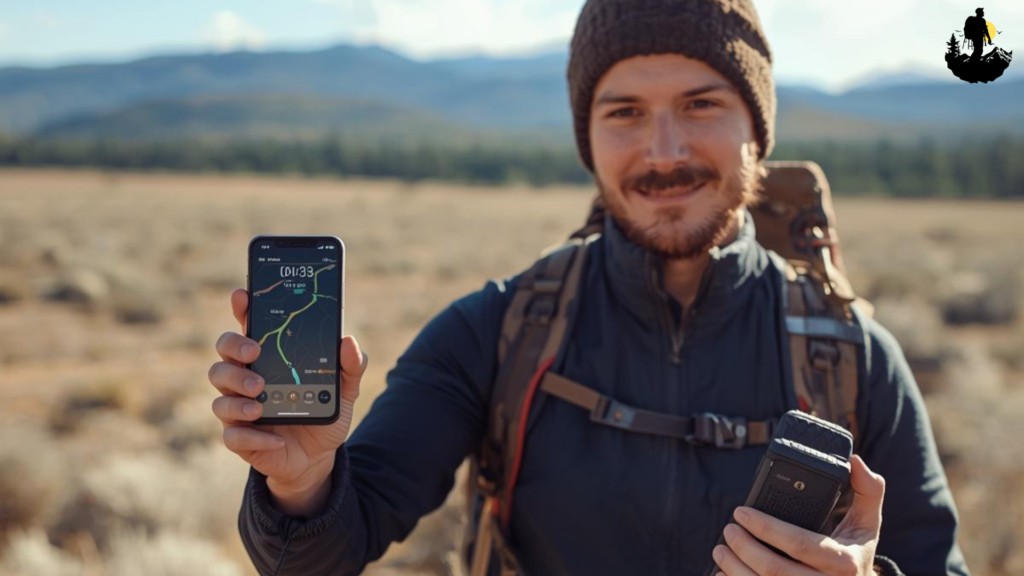
Using GPS Without Cell Service
GPS satellites do not require cell service. Your device can still pinpoint your location through satellite signals as long as:
• Location services are turned on
• Your offline map is downloaded
• You’re not blocked by tunnels or deep canyons
This means your phone, tablet, or handheld GPS can track movement anywhere in the country. The catch is that without a downloaded map, the GPS position will appear on a blank grid. That is why offline preparation is essential.
Dedicated GPS units like Garmin handhelds and in-car navigation systems also excel in zero-signal areas.
Planning Your Route with Offline Tools
Offline planning helps you make smart decisions before your trip even begins.
Here is what to map out:
• Primary route
• Backup routes
• Gas stations in remote areas
• Potable water points
• Possible campsites
• High-risk areas like steep grades or unpaved roads
• Land boundaries (BLM, national forest, tribal land, private property)
Add custom pins so you can reference important points instantly. Navigation is easier when your map is already marked with useful details.
Combining Offline Maps with Paper Maps
Paper maps never fail due to dead batteries, broken screens, or lost satellite lock. For reliable offline navigation usa travel, always pair digital tools with printed backups.
Useful printed map types include:
• National Forest Visitor Maps
• National Geographic Trails Illustrated Maps
• State highway atlases
• BLM surface maps
• Topographic quadrants
Printouts of your own route can also help, especially in complicated trail networks or multi-day driving itineraries.
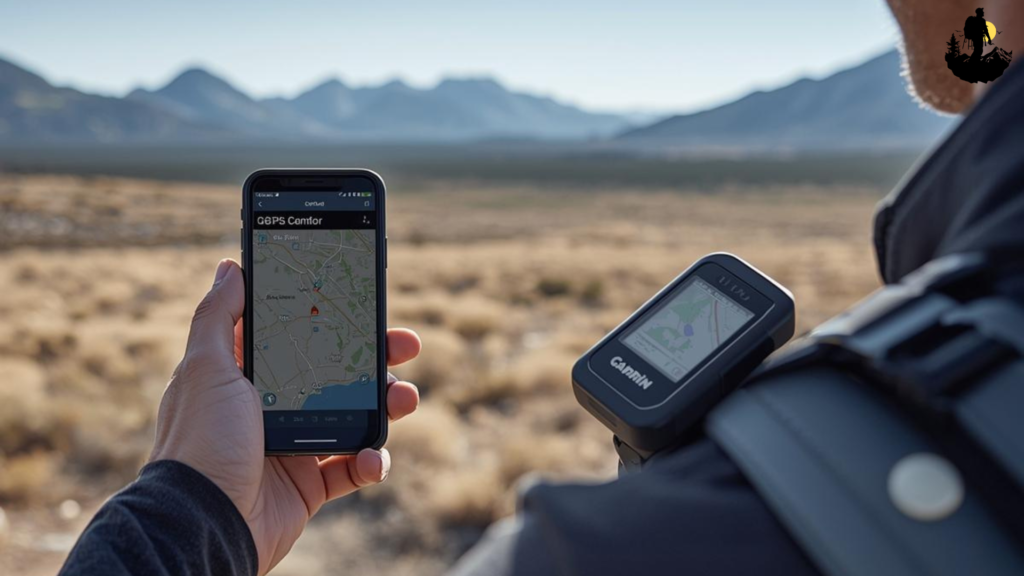
Managing Offline Navigation in Remote Terrain
Remote regions require extra attention because terrain can block signals, confuse orientation, or hide landmarks.
Here is how to navigate confidently:
• Zoom in often to check terrain steepness
• Follow contour lines in mountain areas
• Stick to marked trails whenever possible
• Avoid unverified shortcuts
• Reconfirm direction at junctions or forks
• Note mileage between key points
• Keep a compass as a non-digital backup
When maps are unclear, rely on physical landmarks such as ridgelines, rivers, valleys, or distinct rock formations.
Offline Navigation for Road Trips and Overlanding
Road travelers often encounter dead zones in:
• National forests
• State parks
• Southwestern deserts
• Northern plains
• Southeastern swamps
• Remote mountain highways
Offline maps help you avoid issues like:
• Missing turns on long, unmarked dirt roads
• Unexpected closures
• Washed-out routes
• Detours that don’t appear without a signal
Mark fuels stops carefully. Some rural gas stations close early or operate seasonally.
Offline Navigation for Hiking and Backpacking
Hikers, hunters, and backpackers rely heavily on offline maps because many trails fall into full dead zones.
Make sure your app includes:
• Topographic lines
• Trailhead locations
• Water sources
• Elevation profiles
• Campsite markers
• Permit zones
• Trail junction labels
Always mark your starting point. If weather shifts or visibility drops, this gives you a reliable anchor to navigate back toward.
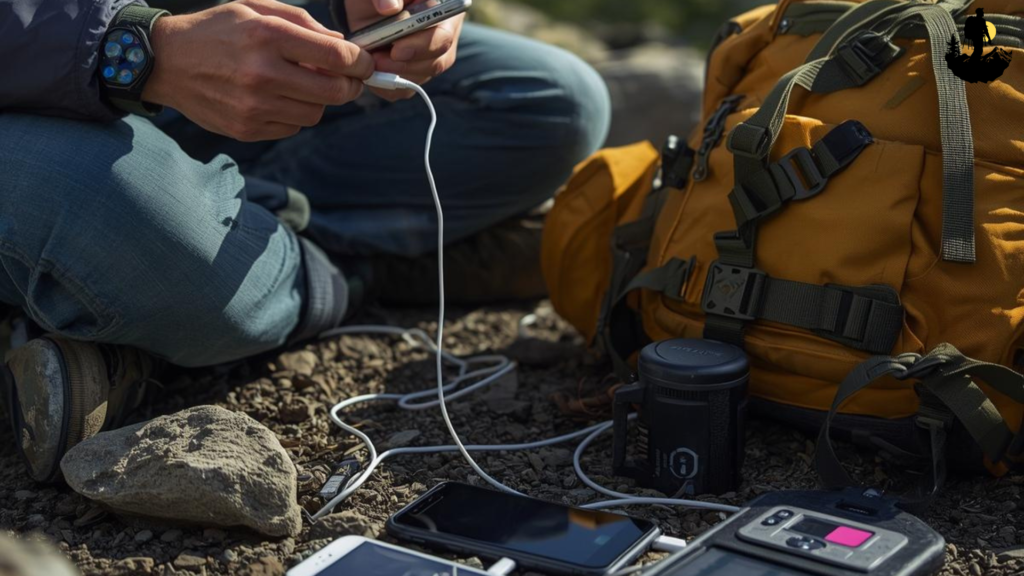
Battery and Power Management in No-Signal Areas
Offline navigation apps can drain batteries quickly, especially when GPS tracking is active. Plan ahead with strong power management:
• Bring power banks or portable battery packs
• Use airplane mode to reduce battery drain
• Turn brightness down
• Close all unused apps
• Carry a solar charger on multi-day trips
• Bring a 12-volt car charger
• Disable background app refreshing
A dead battery makes all digital navigation tools useless. Power management is a major component of offline navigation USA travel.
Smart Safety Habits When Navigating Without a Signal
Good navigation is only one part of safe travel. Combine it with strong habits:
• Tell someone your route
• Carry a satellite messenger or emergency beacon
• Keep extra water and food
• Watch weather forecasts before disconnecting
• Avoid traveling after dark in remote areas
• Recheck maps at every major junction
• Store both digital and paper maps in waterproof bags
Offline travel is smooth when you respect both the terrain and your own limits.
Becoming a Confident Offline Navigator
Offline navigation USA travel is an essential skill that transforms how you explore the country. With downloaded maps, GPS tools, paper backups, and smart planning, you can confidently travel through deserts, forests, mountains, plains, and coastlines without relying on cell service.
By preparing your maps ahead of time and combining digital guidance with traditional navigation habits, you protect yourself from wrong turns, hazards, and confusion in unfamiliar places. Offline tools do not replace common sense and awareness, but they make your travel more independent, more flexible, and far more enjoyable.
Master these strategies, pack the right tools, and you will navigate any U.S. terrain with clarity, confidence, and total freedom.